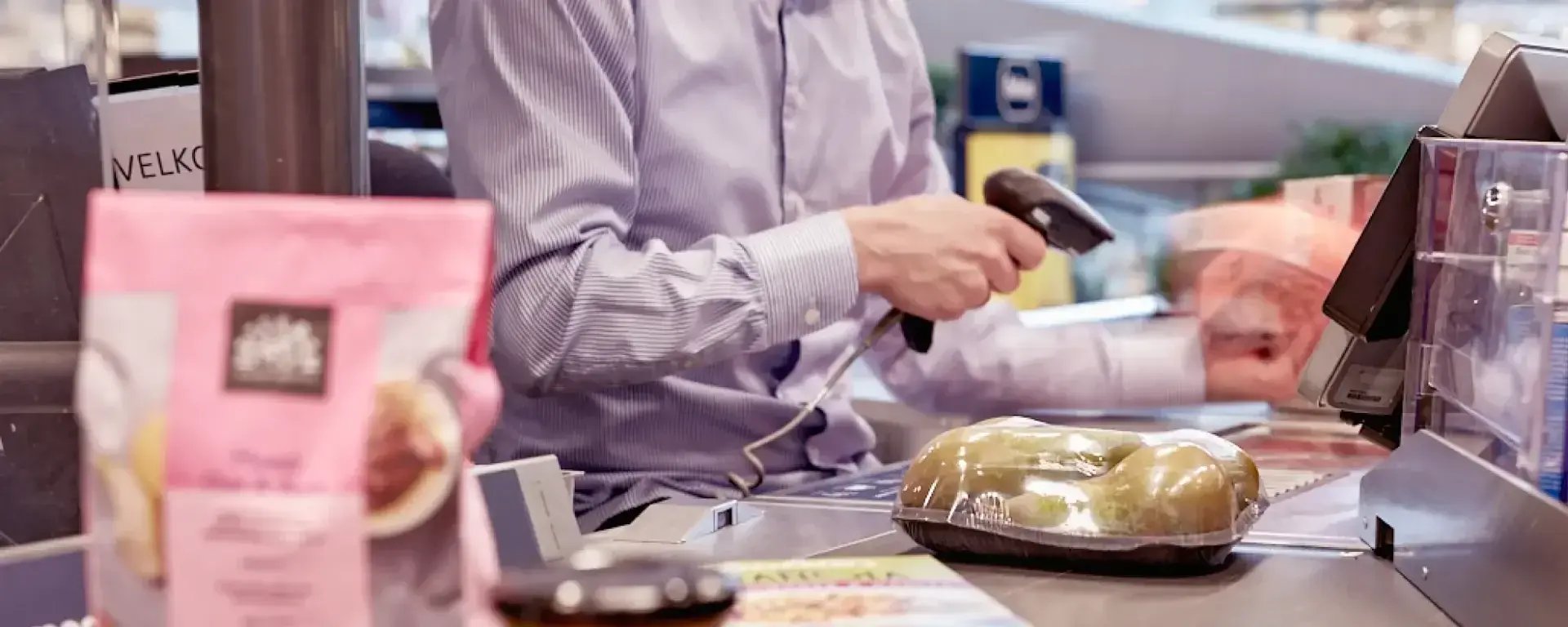
Preparing for GS1 2D barcodes starts with knowing what your scanners can read and what your point-of-sale (POS) system receives. The first goal is to keep identifying and selling products reliably as the codes on packaging change.
Once that works, you can test how additional information should be used. A pack can ring up at the regular price even if the register never receives the date needed for a discount.
Start with your existing scanners
List the scanner models, settings, and software versions your stores use. Include staffed checkouts, self-checkout, and mobile POS where relevant.
Work with your hardware and POS partners to confirm which barcode formats the equipment can read and what data it passes to POS. Establish whether changes to configuration, software, or equipment are needed.
Decide which information checkout needs
For basic product identification, POS needs the product identifier. If you want to use a date or batch number, the scanner must also capture and pass on those fields.
Agree how the setup should handle products with multiple barcodes. Prioritizing the 2D code may be necessary to obtain the additional data. Also test how it handles QR codes intended only for marketing.
Test the packaging and the transaction
Use finished packaging on the scanners and checkout formats included in the rollout. Code size, print quality, placement, curved surfaces, and damage can all affect scanning.
| Situation | What to check |
|---|---|
| Different barcode formats | Include EAN/UPC-only products, products with both formats, and 2D-only products where relevant to your suppliers. Confirm that checkout identifies the product correctly. |
| Both symbols read in the same pass | Confirm that one product is added and that the required data reaches the intended process. |
| A quantity correction or return | Check that the product and any additional data are handled correctly when the transaction changes. |
| An unreadable label or missing field | Check what the employee sees and what they should do next. |
“A useful test follows the information all the way to the action it should support. Then try the correction, the return, and the missing field.”
Katharina Faarup, Product Owner, Fiftytwo
What if a barcode won’t scan?
Entering the product identifier manually can identify the product, but it does not recover the batch or date encoded in an unreadable barcode.
Agree how employees should handle that situation. If the application requires those details, establish whether a manual check is possible or another response is needed.
Check what needs a connection
Data encoded in the barcode can be read without an internet lookup. The action that follows may still depend on a connected service, such as a source of current recall information.
If a response from another system is delayed or unavailable, agree how long checkout should wait, what the employee should see, and how the transaction should be handled.
ViKING POS offers cloud-based and hybrid deployment options. Map where the application’s processing takes place and which functions remain available during a connectivity interruption.
Give the next store a clear starting point
Before expanding the rollout, record the configuration that worked, known exceptions, and the agreed responses. Make it clear who owns updates and support, and how changes can be reversed if needed.