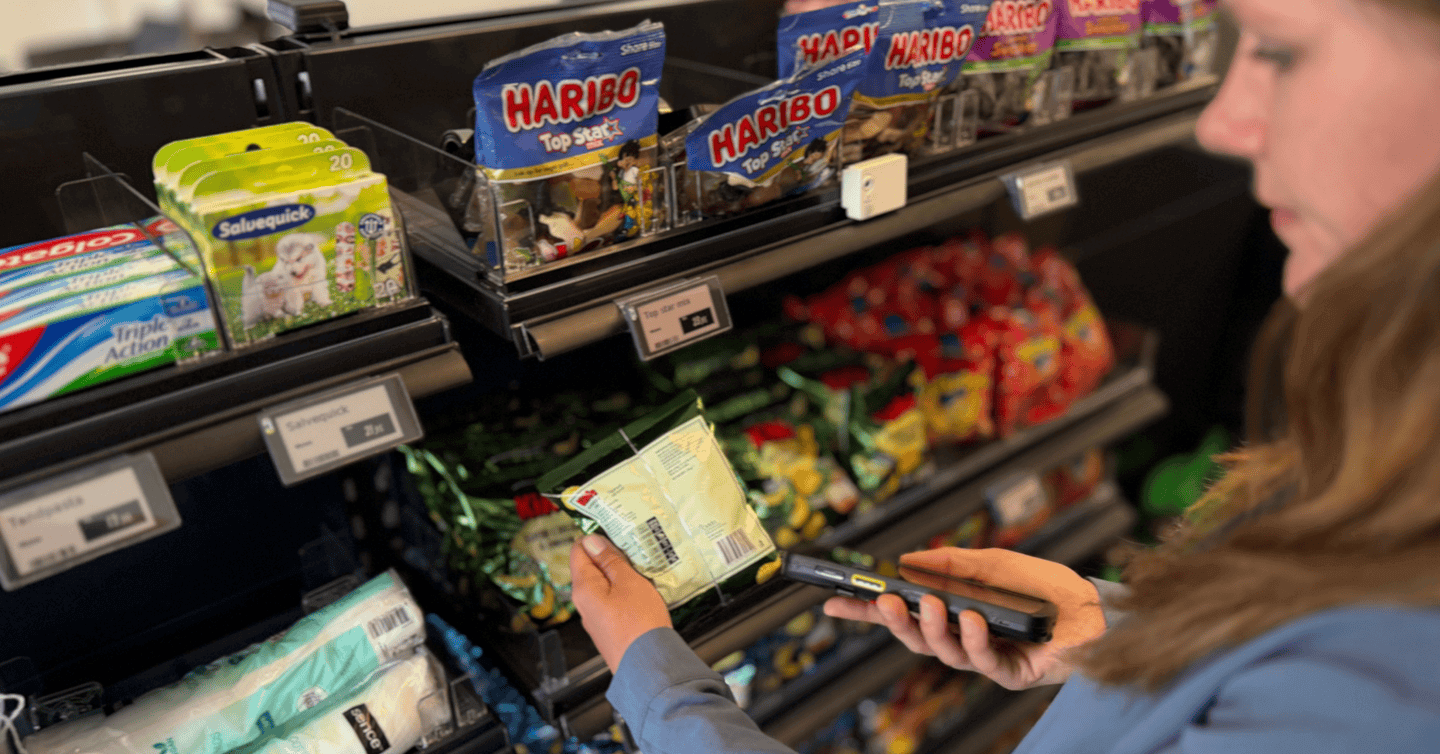
Two packs of the same yogurt. Same product, same regular price. One reaches its best-before date tomorrow, the other next week. With the date encoded in the barcode, checkout could identify which pack qualifies for the retailer’s agreed discount.
GS1 2D barcodes can carry a date or batch number alongside the product identifier. Those details become useful when the supplier encodes them and the retailer’s systems capture and act on them.
What the code tells you about the pack
The product number tells checkout which yogurt is being sold. The best-before date applies to the pack being scanned. The batch number tells you which production lot it came from.
If checkout captures a date, the retailer can decide whether a short-dated pack should trigger an agreed markdown. If it captures a batch number, the retailer can check whether that pack is part of a current recall. For variable-weight products, the code can also carry the pack’s net weight.
“The barcode can carry more than product identification. The important question for the retailer is what action should follow when that information is available at checkout.”
Katharina Faarup, Product Owner, Fiftytwo
Date-based discounts at checkout
Staff check dates and apply discount labels to products selected for a price reduction. Depending on the process, the same stock may need attention again as its date approaches.
Where the relevant date is encoded in the barcode, checkout could apply the retailer’s agreed discount to the scanned pack. That could reduce repeated relabeling and help short-dated stock sell.
A pack nearing its best-before date may qualify for a markdown. An expiration date can support a separate check that stops a sale. Checkout needs to recognize which date is encoded and apply the rule for that date type.
The customer needs to understand the offer and see the final price.
How checkout can flag a recalled batch
Several packs can share a batch number. If a pack reaches checkout after a recall, its product identifier and batch number can be matched against current recall information. Other batches of the same product may still be on sale.
Decide what checkout should do when it finds a match and what the employee should see on screen.
If checkout can’t get current recall information in time, staff need to know whether to hold the item, check it manually, or remove it from the transaction.
Retailers choose how the data is used
Not every retailer will use the same fields in the same way. One business may start with pack-specific discounts. Another may focus first on recall checks. A third may only want reliable product identification now and leave broader use cases for later.
How ViKING POS supports these scenarios
ViKING POS includes support for custom scripts when a 2D barcode is scanned. This allows each retailer to tailor how additional information from the barcode is used in the checkout flow.
The barcode formats, rules, and connections to other systems need to be configured and tested for each retailer’s setup. Include a missing date or an unavailable recall service in that test.
For a discount application, compare the time spent relabeling stock and check that the correct discount is applied consistently at checkout. Include the effort needed to introduce and maintain the setup.