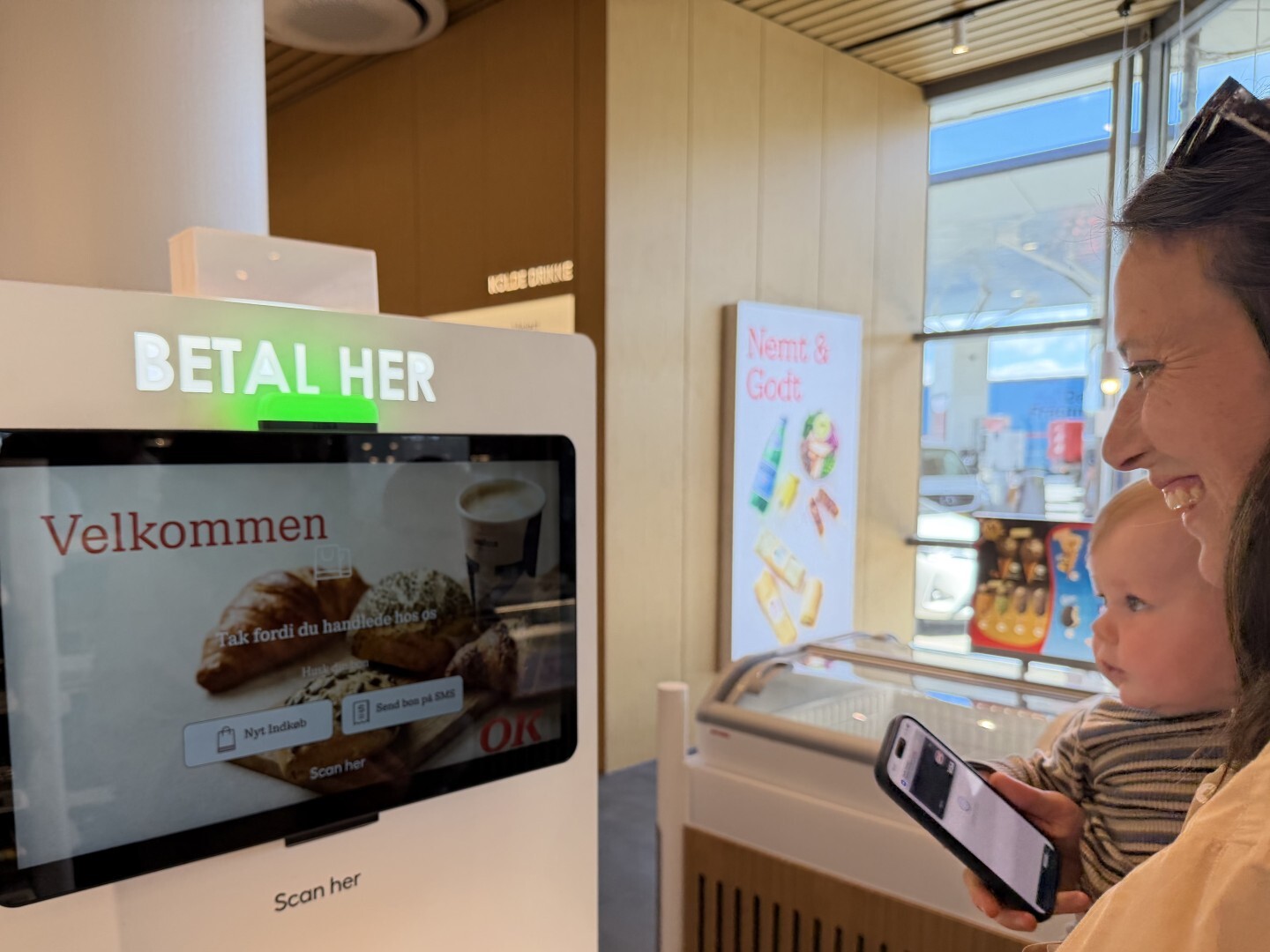
Store operations are full of small tasks that quickly become big when they happen across hundreds of terminals, stores, and employees.
A terminal needs attention. A local update has to be pushed. A stock count needs to happen on the shop floor. A shrinkage registration needs to be captured while the employee is still standing in front of the shelf.
That is where the latest Store Management updates fit in.
With improved POS terminal overview, more precise master data updates and Status Count, Store Management gives retail teams a more flexible way to handle daily operational work from the devices they already use.
The direction is simple: move more of the operational work closer to the people who actually carry it out.
What the updates cover
“Store Management is designed to let both new and experienced users easily participate in store operations. It is accessible from any device, enabling operations where they are most effective. The goal is to provide store teams with better visibility, reduce reliance on dedicated hardware, and offer a more natural way to complete operational tasks.''
Katharina Faarup, Product Owner, Fiftytwo
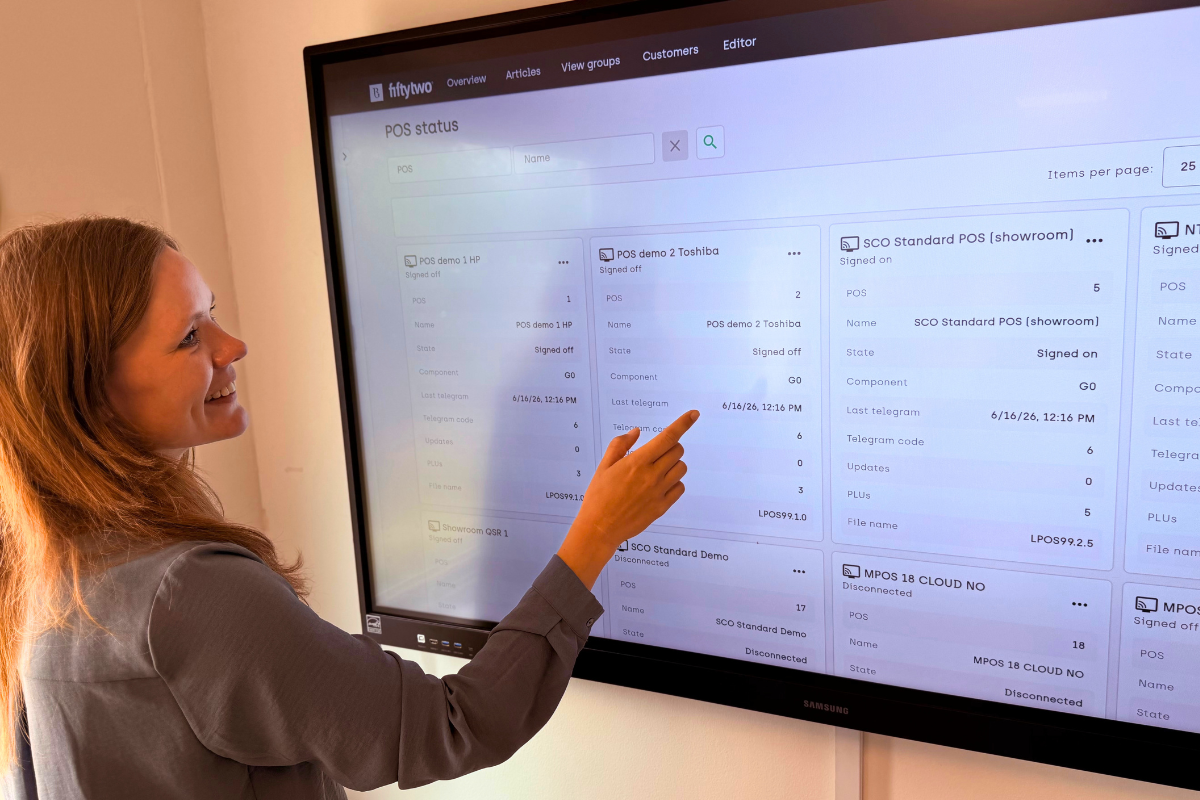 Katharina Faarup, Product Owner at Fiftytwo, showing Store Management POS status.
A workspace built for the way stores actually work
Store Management is the web-based back-office interface connected to the ViKING POS platform.
Because it is web-based, users are not tied to a specific workstation or piece of hardware. Depending on the task, employees can work from a POS terminal, laptop, tablet or smartphone.
That matters in stores where operational work rarely happens in one fixed place. A manager may need to follow up from the back office. A sales assistant may need to help with inventory counting on the shop floor. A central team may need a clearer view of terminal status across stores.
Store Management is built to support that movement between tasks, roles and devices.
The result is a more accessible workspace for retail operations, one that can involve more people in the work without requiring every user to have deep system knowledge.
Better visibility across POS terminals
The new POS terminal overview gives retailers and store managers better insight into the POS environment across stores.
Terminal status information and summary data are now available directly from the overview interface. That makes it easier to see which terminals are operational, which terminals require attention and where updates may need to be managed.
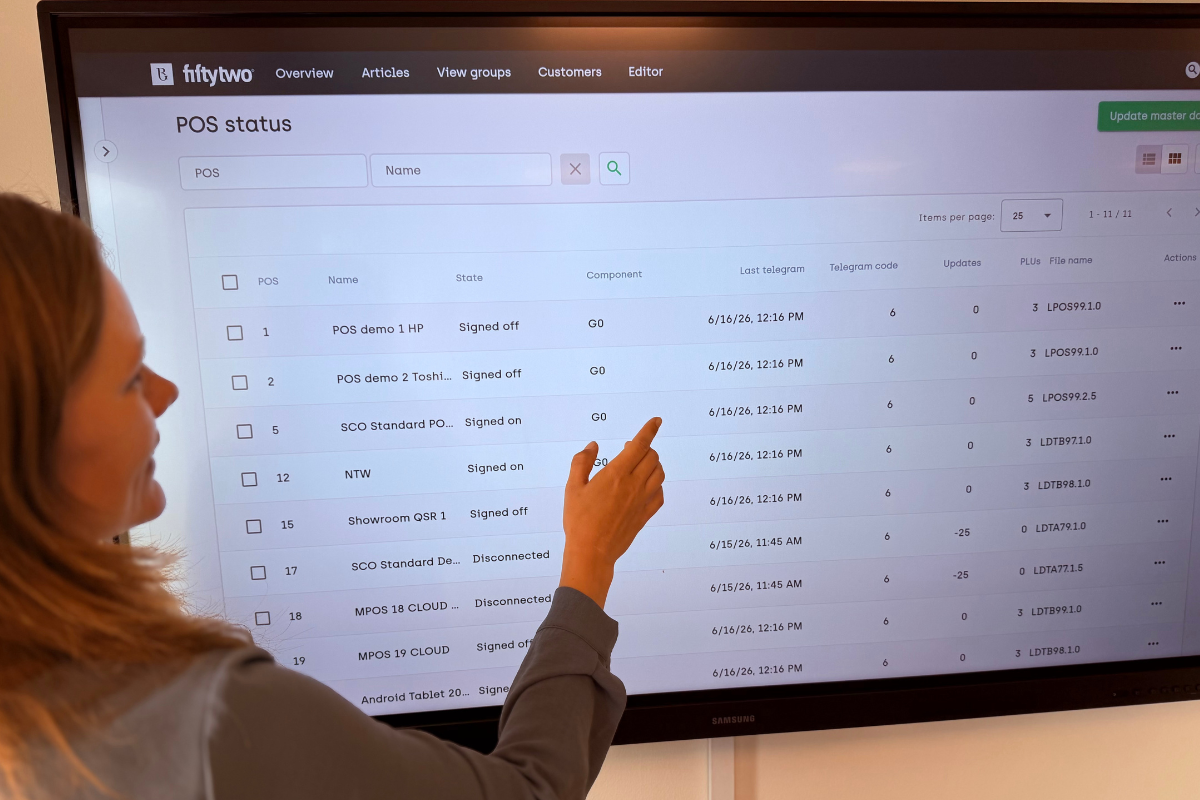 POS status overview in Store Management, showing terminal status, update information and PLU details.
For retail chains with many stores and POS terminals, this kind of visibility matters because operational questions often start small:
- Has a terminal been updated?
- Is a POS available and operational?
- Does a store require attention before an issue affects sales?
By bringing status and summary information closer to where terminals are managed, Store Management gives teams a clearer view of the setup they are responsible for.
More precise master data updates
The updated POS terminal overview also makes master data updates easier to manage.
Retailers can choose whether an update should include PLU data or only configuration-related changes. That distinction is important because PLU data, or Price Look-Up data, can be large. It includes article master data such as prices, VAT codes and discount structures stored locally on the till.
If an update only concerns configuration, user interface changes or store-specific settings, PLU data does not need to be sent unnecessarily.
A till update should not be bigger than the change it carries.
For retailers managing many tills, stores and local configurations, this makes update work lighter, more targeted and easier to control.
Status Count brings inventory work onto the shop floor
Status Count adds a more flexible way to work with inventory counts in Store Management.
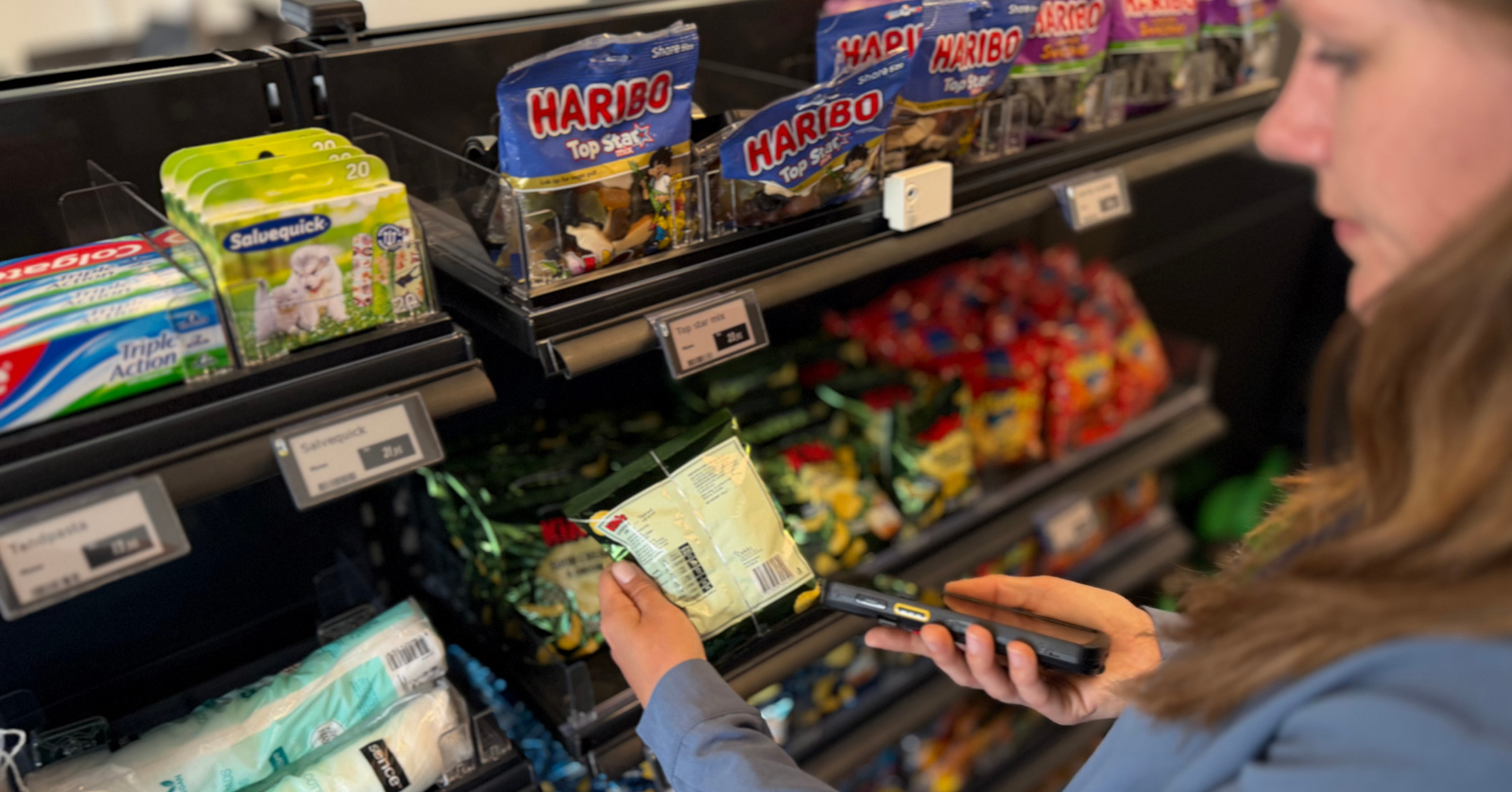
Retailers can perform inventory counts directly from any browser-connected device instead of depending on dedicated counting hardware or fixed workstations. Staff can use smartphones or mobile devices while walking the store floor to scan articles and register quantities.
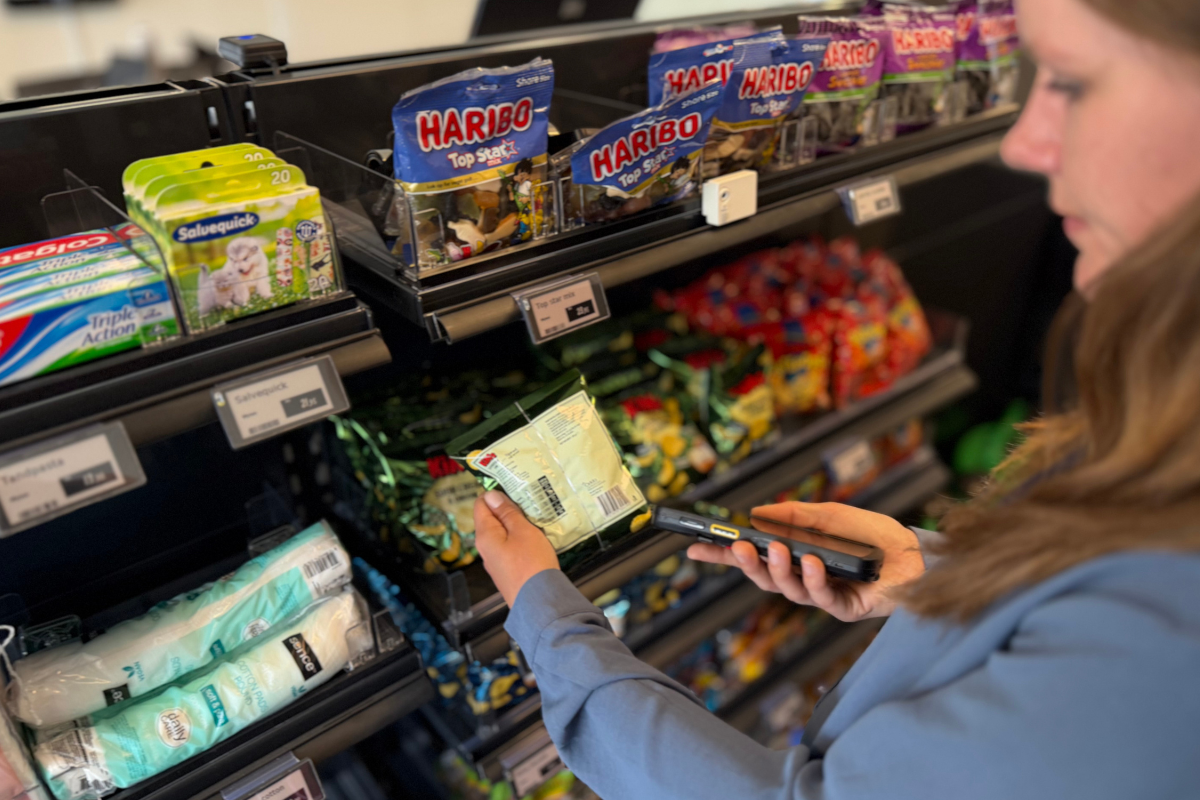 Inventory work in Store Management can be handled closer to the shelf from browser-connected devices.
The process can also continue from another device when needed, for example from a laptop or back-office workstation.
Status Count also supports registration of inventory discrepancies and shrinkage during the counting process, including predefined reason codes for follow-up and reporting.
For store managers, that makes inventory work easier to distribute across the team. Counts can be handled closer to the shelf, discrepancies can be registered when they are found and follow-up becomes easier to manage centrally.
Small tasks, multiplied across stores
According to Fiftytwo Retail Readout 2026, 73% of Nordic retail decision-makers expect most revenue growth to come from physical stores. At the same time, 72% prioritize simplifying employee processes, while 70% prioritize reducing operational costs over the next two to three years.
Those priorities are often discussed in relation to checkout formats, self-service, mobile POS and digital receipts. Daily store performance also depends on the operational tools behind the scenes.
A terminal status check. A local update. A stock count. A shrinkage registration. A change that should be applied without sending more data than needed.
Individually, these tasks may seem small. Across an entire retail chain, they become part of how stores run.
Built for daily store operations
The latest Store Management updates make the work around terminals, inventory and local updates easier to handle where the work happens.
The POS terminal overview gives teams better visibility into terminal status. Master data update control makes it possible to run more targeted updates. Status Count makes inventory follow-up more flexible and easier to distribute across the store team.
For retail chains, the value sits in the workflow: clearer information, more flexible ways of working, and fewer operational loose ends across stores, terminals, and inventory.